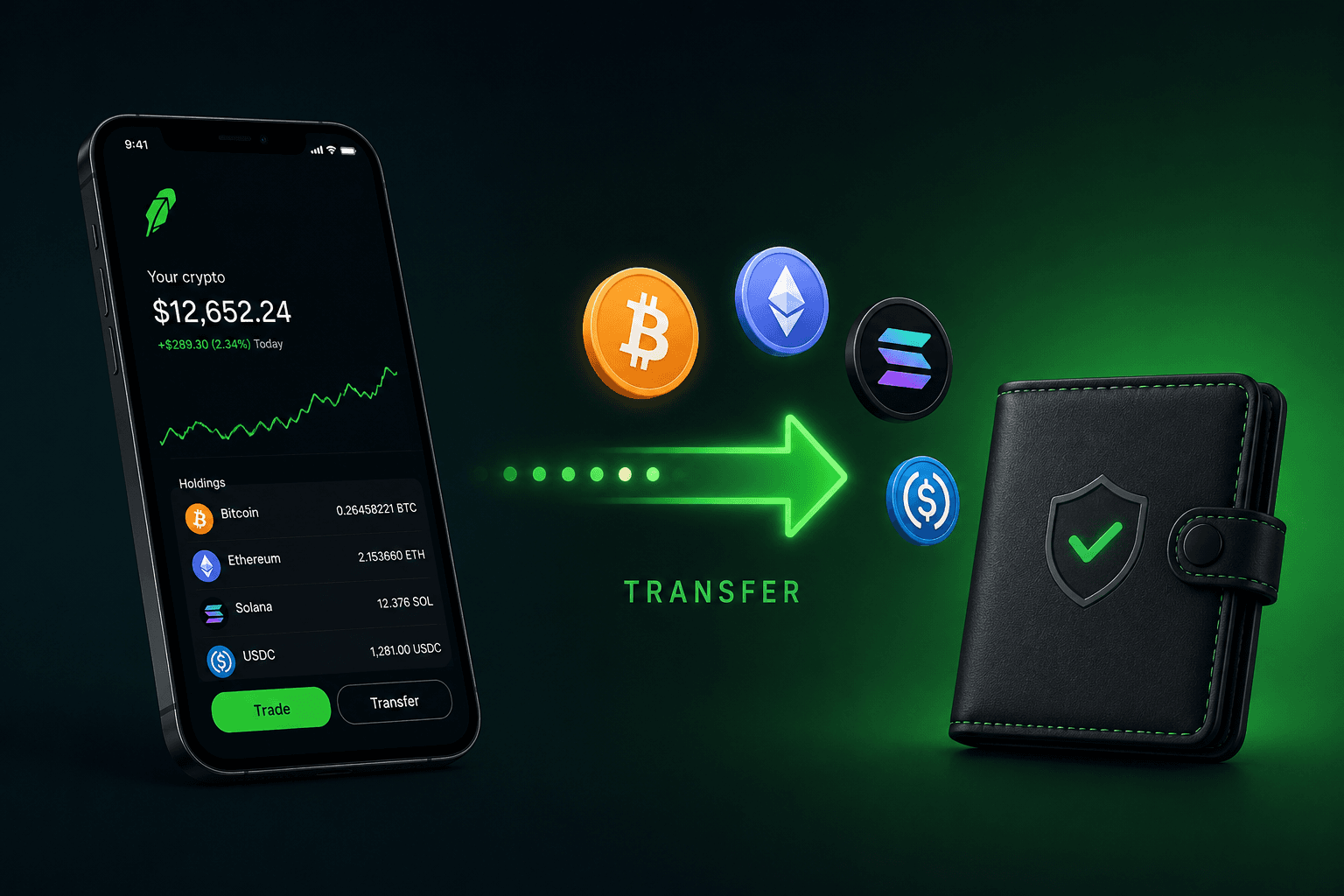




Eligible customers can send supported cryptocurrencies from Robinhood Crypto to an external wallet or exchange. You must use an asset and address format supported for the transfer, and the receiving destination must support the same asset and network. Robinhood says crypto transfers are final once sent. They cannot be canceled or reversed, including by Robinhood.

Summary:
- External transfers: Robinhood allows eligible customers to transfer supported cryptocurrencies to external wallets or exchanges. Availability depends on the asset, network, account, and jurisdiction.
- How to start: Open the cryptocurrency’s detail page, select Send, enter the receiving wallet address and amount, then review and submit the transfer.
- Transfers are irreversible: Robinhood says crypto transfers are final and cannot be canceled or reversed. Always verify the address, asset, network, and any required memo or tag before submitting.
- Transfer fees: On-chain transfers incur a network fee. Robinhood displays an estimated fee before you finalize the transaction. Robinhood does not charge an additional fee to receive crypto.
- Withdrawal limits: Limits are specific to each account and may depend on verification status, transaction history, payment methods, and other factors. These limits can change.
- Processing time: Transfer timing depends on network confirmations, network conditions, and security reviews. Robinhood says ordinary inbound processing may take up to a few hours, while security review typically takes a few minutes but may occasionally take longer.
Before you start: five checks that prevent lost crypto
Do not begin by copying an address and immediately sending the full balance. First confirm the following items in both Robinhood and the receiving wallet.
- Confirm that transfers are enabled. Robinhood requires identity verification before crypto transfers can be enabled. Robinhood says review may take up to five business days in some cases.
- Confirm that the asset can be withdrawn. Robinhood supports many cryptocurrencies, but not every listed asset, account, state, or jurisdiction has the same transfer availability. The current availability shown in your account is the practical source of truth.
- Match the asset and network. If you are sending USDC, for example, the receiving service must support USDC on the exact network selected in Robinhood. Do not assume that two destinations support the same network just because they use the same token symbol.
- Check the address format and memo requirement. Some assets use different address formats, and some require a memo or tag. A missing or incorrect memo can delay crediting or require support intervention.
- Test with a small amount when practical. A small test transfer can confirm that the address, asset, network, and receiving service are correct before you move a larger amount. It still carries a network fee and is not a substitute for checking the details carefully.
Robinhood’s warning: “Crypto transfers are final.” Before confirming, double-check the address, use the correct network, include any required memo or tag, and watch for scams.
How to Transfer Crypto from Robinhood to an External Wallet
The steps below are based on Robinhood’s official Crypto Transfers Help Center. Robinhood’s interface, supported assets, networks, fees, limits, and eligibility requirements may change, so always verify the details shown in your account before sending crypto.
Step 1: Open the cryptocurrency’s detail page
Sign in to Robinhood and open the specific cryptocurrency you want to transfer. Robinhood’s official instructions begin from the asset’s detail page, where the available transfer options and balance are shown. Do not rely on an old wallet address or a generic address copied from another transaction.
Step 2: Select “Send”
Select Send on the cryptocurrency’s detail page. If the Send option is unavailable, do not try to bypass the restriction. The asset may not support external transfers, your identity verification may not be complete, the funds may not be available for withdrawal, or transfer availability may differ because of your account or jurisdiction.
Robinhood says that customers must complete identity verification before crypto transfers can be enabled. Verification is usually completed quickly, but Robinhood says its review may take up to five business days in some cases.
Step 3: Copy the receiving address from your wallet or exchange
Open the wallet or exchange where you want to receive the crypto. Select Receive or Deposit, choose the same cryptocurrency, and copy the address displayed for that asset.
Robinhood specifically instructs users to paste the receiving wallet address into the Send screen. Compare the address carefully after pasting and confirm that it belongs to the wallet or exchange account you intend to use.
Never send crypto to an address supplied by an unknown person or by someone claiming to be support. For additional wallet-security guidance, review Robinhood’s official Robinhood Wallet FAQ.
Step 4: Confirm the network and any memo or tag
Confirm that the blockchain network selected in Robinhood exactly matches the network supported by the receiving wallet or exchange. The same cryptocurrency may be available on more than one network, but a matching ticker symbol does not guarantee that the destination supports the selected network.
Robinhood warns that sending crypto through an incompatible network can result in permanent loss. Its official guidance also says that some assets require a memo or tag for the transfer to be completed and credited correctly.
Robinhood’s official warning: Crypto transfers are final. Before confirming a transaction, double-check the address, use the correct network, include any required memo or tag, and watch for scams.
If the receiving service provides a memo, tag, destination tag, or payment ID, enter it exactly as shown. Do not invent one if the receiving service does not provide it, and do not omit it when the service requires it.
Step 5: Enter the amount
Enter the amount of cryptocurrency you want to transfer. Before continuing, review your available balance, the estimated network fee, and the amount expected to arrive at the receiving address.
Robinhood explains that every on-chain transfer incurs a network fee and that the estimated fee is displayed before you finalize the transaction. The fee can vary depending on the cryptocurrency and network activity.
If you select Send All, Robinhood says the estimated network fee is deducted from the total amount being sent. For a standard transfer, the fee treatment may vary by asset and by the option shown in the app, so rely on the final review screen rather than an outdated fee estimate.
Step 6: Review the transfer details
Before submitting, compare the Robinhood review screen with the receiving wallet or exchange. Confirm all of the following:
- Cryptocurrency: Confirm the asset name and ticker are correct.
- Receiving address: Confirm that the address belongs to the intended wallet or exchange account.
- Blockchain network: Confirm that both services support the same network.
- Memo or tag: Confirm whether one is required and enter it exactly.
- Transfer amount: Confirm how much the recipient should receive.
- Network fee: Review the current estimated fee shown by Robinhood.
- Withdrawal limit: Confirm that the transfer is within the limit shown for your account.
Step 7: Submit the transfer and complete security checks
When all details are correct, select Review and then Submit. Complete any security or identity verification requested by Robinhood. After submission, save the confirmation screen or transaction ID if one is provided.
Sending to a self-custody wallet versus an exchange
The transfer steps are similar, but your responsibility is different depending on the destination.
| Destination | What you control | Main risk to check |
|---|---|---|
| Self-custody wallet | You control the wallet keys and recovery method. | If the address or network is wrong, recovery may be impossible. If you lose the recovery phrase, the wallet provider may not be able to restore access. |
| Centralized exchange | The exchange controls custody after deposit crediting. | The exchange must support the exact asset, network, and any required memo or tag. Exchange deposit rules can change. |
| Hardware wallet | You control the device and recovery backup. | Confirm the hardware wallet supports the asset and network before sending. Keep the recovery phrase offline and private. |
View some Supported coins, networks, and address formats
Robinhood’s support page lists supported coins and describes address formats for particular assets. This information is not a promise that every asset is available to every customer. State restrictions, account status, product availability, and network support can differ. Always check the asset’s current transfer screen before sending.
-
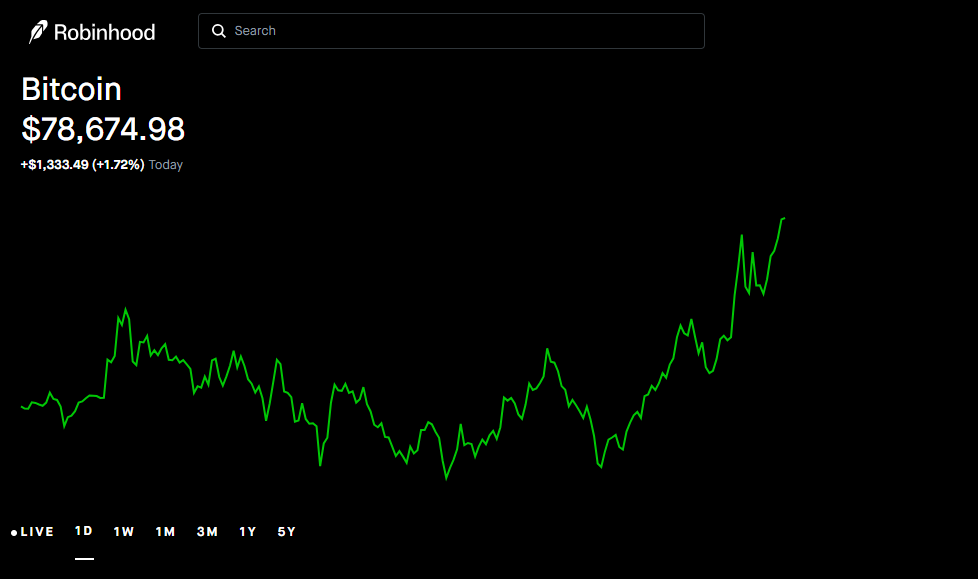
Bitcoin (BTC):
Robinhood supports Bitcoin addresses beginning with
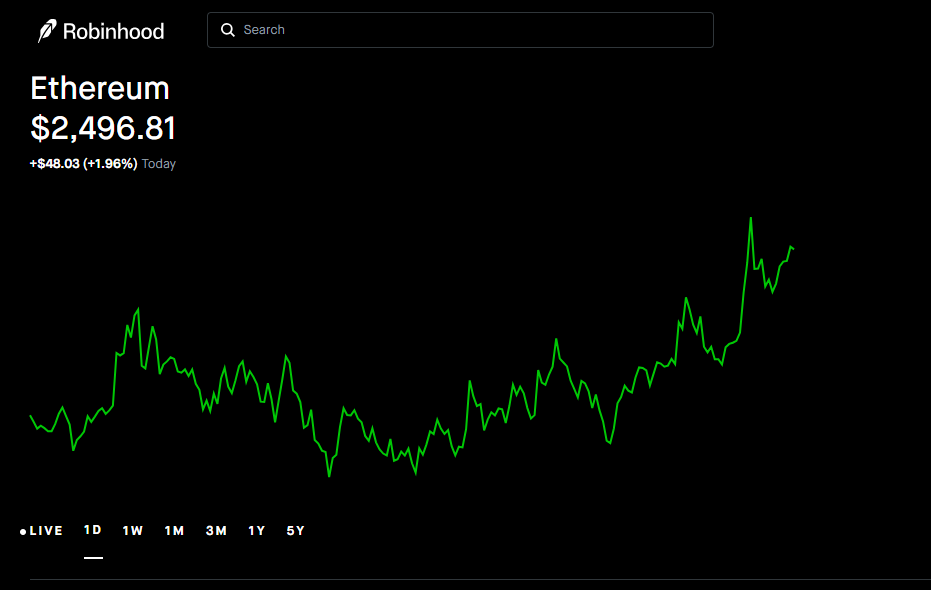
1,3, andbc1q. Lightning transactions and Taproot addresses beginning withbc1pare not currently supported according to Robinhood’s transfer documentation. - Ethereum and ERC-20 tokens: Supported ERC-20 assets can be transferred to compatible Ethereum addresses. For ERC-20 withdrawals on Ethereum, Robinhood calculates the network fee in ETH and can debit the equivalent amount from the token balance without requiring a separate ETH balance.
-
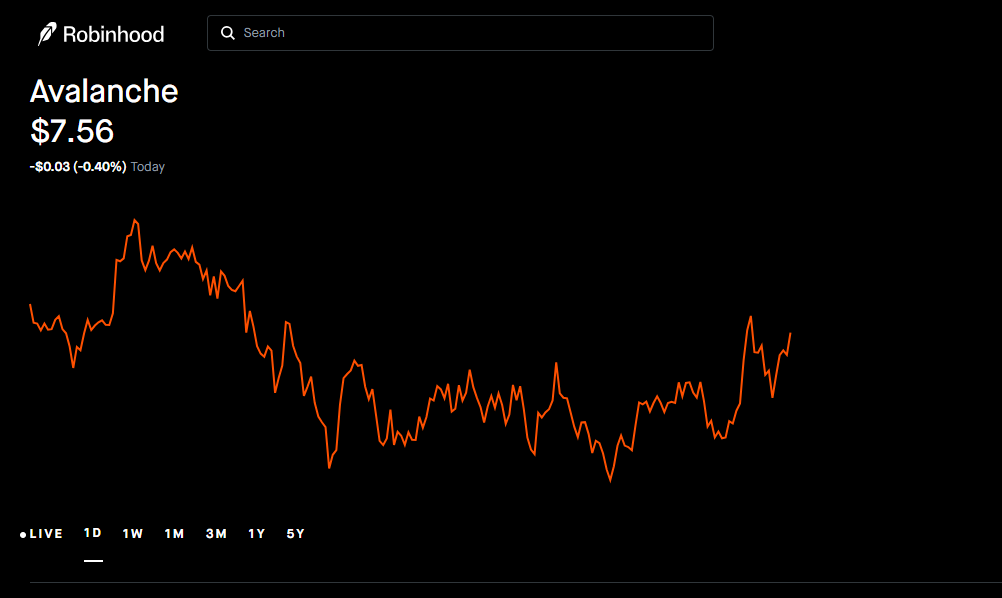
Avalanche (AVAX):
Robinhood supports Avalanche transfers to C-Chain addresses beginning with
0x. X-Chain and P-Chain addresses are not supported for these transfers. -
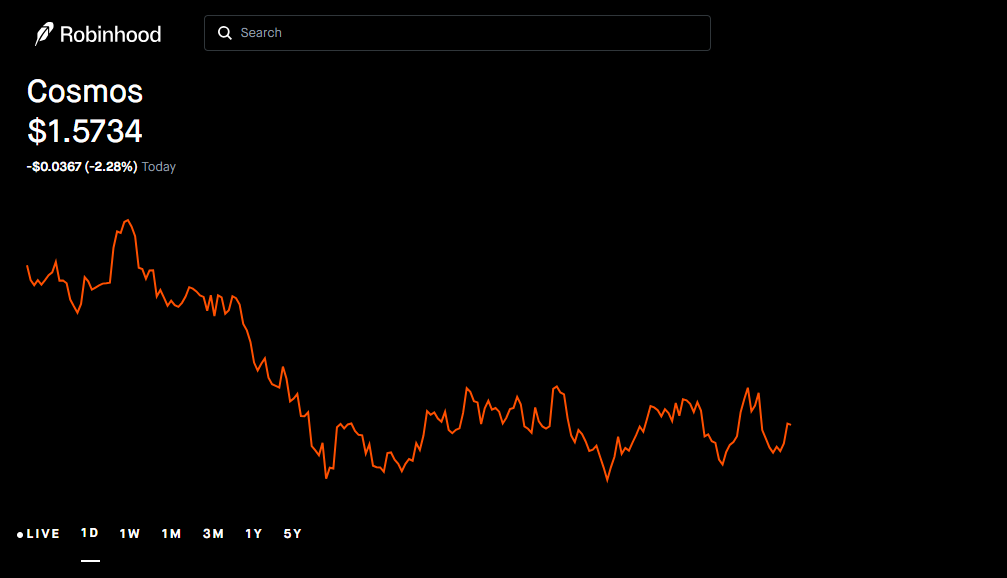
Cosmos (ATOM):
Robinhood supports Cosmos addresses beginning with
cosmos. A memo is required for Cosmos transfers so the receiving service can route and credit the funds correctly. -
NEAR Protocol (NEAR):
Robinhood supports NEAR implicit addresses in the required hexadecimal format. Named NEAR addresses ending in
.nearare not currently supported for withdrawals. -
Hyperliquid (HYPE):
Robinhood supports Hyperliquid transfers to HyperEVM addresses that use the standard EVM format beginning with
0x. Confirm that the receiving wallet or platform supports HyperEVM before sending.
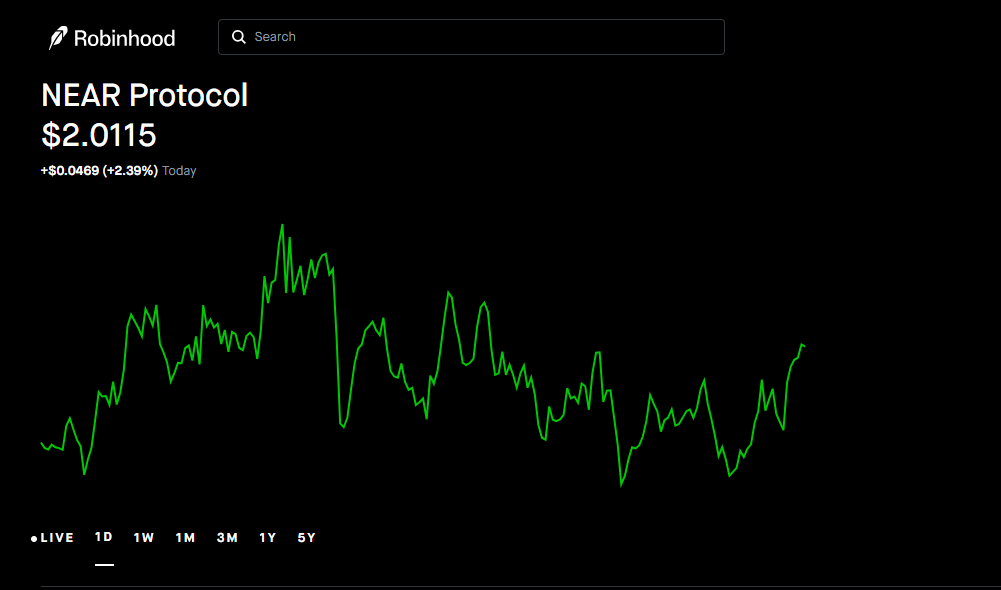
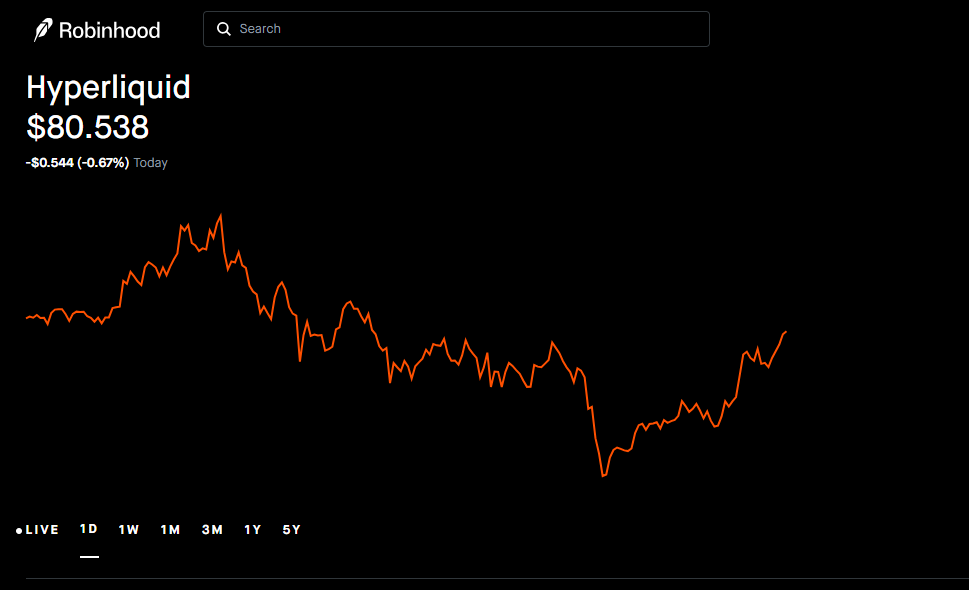
These are examples, not a complete asset list. The full current list and address-format rules are maintained in Robinhood’s Robinhood Crypto transfers.
Fees, withdrawal limits, and transfer timing
Network fees
Every on-chain transaction requires a network fee, sometimes called a gas fee or miner fee. Robinhood says the amount depends on factors including the coin and activity on that coin’s network. The app displays a network-fee estimate before you finalize an external transfer.
Robinhood also says it does not charge an extra fee to receive crypto. That does not mean every destination is free: the receiving exchange or wallet provider may apply its own policies, and the blockchain network still processes the transaction.
Withdrawal limits
Do not publish a fixed “$5,000 or 10 transfers per 24 hours” limit as a universal Robinhood rule. The current official transfer page says withdrawal limits are determined by factors such as: verification level, transaction history, and preferred payment methods, and that limits may change.
Processing time
A transfer may involve network confirmation and a security review. Robinhood says confirmation requirements vary with network conditions; under ordinary conditions, crediting an inbound transfer can take up to a few hours. It says security review typically takes a few minutes but can take longer on rare occasions. Blockchain congestion, exchange deposit policies, maintenance, and unsupported network choices can add delays.
Do not promise a recipient that a transfer will arrive in a fixed number of minutes. Instead, save the transaction ID, check the correct blockchain explorer for the selected network, and contact the receiving service if the transaction is confirmed on-chain but has not been credited.
Common Mistakes to Avoid When Transferring Crypto
-
Sending Crypto to the Wrong Address
Blockchain transfers generally cannot be reversed by Robinhood. After pasting the receiving address, compare its first and last characters with the address shown in your wallet or exchange. Also confirm that the address belongs to the intended destination.
-
Choosing the Wrong Network
The same cryptocurrency may exist on several blockchain networks. Send crypto only through a network explicitly supported by both Robinhood and the receiving wallet or exchange. Using an incompatible network may result in permanent loss.
-
Leaving Out a Required Memo or Tag
Some exchange deposits require an additional memo, tag, destination tag, or payment ID. If the deposit screen provides one, enter it exactly as shown. If you leave it out, contact the receiving exchange promptly and provide the transaction details.
-
Assuming Every Robinhood-Listed Coin Can Be Withdrawn
A cryptocurrency may be available for trading without being available for external transfer. Check whether the Send option is available for that asset and review Robinhood’s current transfer documentation before proceeding.
-
Trusting a Fake Support Message
Never share your Robinhood password, two-factor authentication code, private key, or secret recovery phrase with anyone claiming to be support. Robinhood’s official Wallet FAQ states that anyone asking you to import a recovery phrase supplied by them is attempting to scam you.
-
Relying on Outdated Fees or Limits
Network fees, withdrawal limits, supported assets, and product rules can change. Always rely on the fee, limit, and transfer information shown on Robinhood’s final review screen and consult the current official documentation before submitting a transaction.
For official safety guidance, review Robinhood’s Crypto Transfers Help Center and Robinhood Wallet FAQ.
What to do if your transfer is pending, unconfirmed, or failed
- Check the Robinhood activity record. Confirm whether the transfer was submitted, is awaiting review, or was rejected before broadcast.
- Find the transaction ID. If Robinhood provides one, use it to check the correct blockchain explorer for the selected network.
- Check the receiving destination. Confirm that the exact asset, network, address, and memo or tag match the deposit requirements.
- Allow for confirmations and security checks. A visible delay does not automatically mean that funds are lost.
- Contact the correct support team. If the transaction is confirmed on-chain but the exchange has not credited the deposit, contact the receiving exchange. If Robinhood has not submitted or has restricted the transfer, contact Robinhood Support through its official channels.
Do not send a second transfer just because the first one is delayed. First determine whether the original transaction was submitted, confirmed, rejected, or credited.
Frequently asked questions (FAQs)
Q: Can I transfer crypto from Robinhood to Coinbase or Kraken?
A: You may be able to send supported crypto to an exchange such as Coinbase or Kraken if that exchange accepts the same asset on the same network. Check the receiving exchange’s current deposit page first. A matching ticker alone is not enough; confirm the network and any memo or tag.
Q: Can I transfer Bitcoin from Robinhood to a personal wallet?
A: Robinhood lists Bitcoin among its supported cryptocurrencies and describes supported Bitcoin address formats. It also says Lightning transactions and Taproot addresses beginning with bc1p are not currently supported. Check the current Robinhood transfer page and your wallet’s Bitcoin receive screen before sending.
Q: How much does it cost to transfer crypto from Robinhood?
A:The on-chain network fee varies by asset and network conditions. Robinhood says it shows an estimated network fee before you finalize the transfer. The amount can change, so use the final review screen rather than a fixed number from an older article.
What is the Robinhood crypto transfer limit?
A: There is no single universal number that applies to every account. Robinhood says withdrawal limits can depend on verification, transaction history, preferred payment methods, and other factors. Check the limit displayed in your account.
Q: How long does a Robinhood crypto transfer take?
A: Timing depends on the asset, network confirmations, network conditions, security review, and the receiving service. Robinhood says ordinary inbound processing can take up to a few hours and that security review is typically a few minutes but can occasionally take longer. Do not rely on a fixed arrival time.
Q: Can I cancel a Robinhood crypto transfer?
A:Robinhood says crypto transfers are final once sent and cannot be canceled or reversed. This is why the address, asset, network, memo, and amount must be reviewed before submission.
Q: Why is the Send button unavailable?
A: The asset may not support external transfers, your account may require verification, the funds may not be available for withdrawal, your jurisdiction may have restrictions, or Robinhood may be reviewing the account. Check Robinhood’s current help documentation and contact official support if the issue remains.
Disclaimer: This content is for informational and educational purposes only and does not constitute financial, investment, legal, or tax advice. Cryptocurrency investments involve significant risk, including possible loss of funds. Always do your own research and consider seeking professional advice before making any investment decisions.