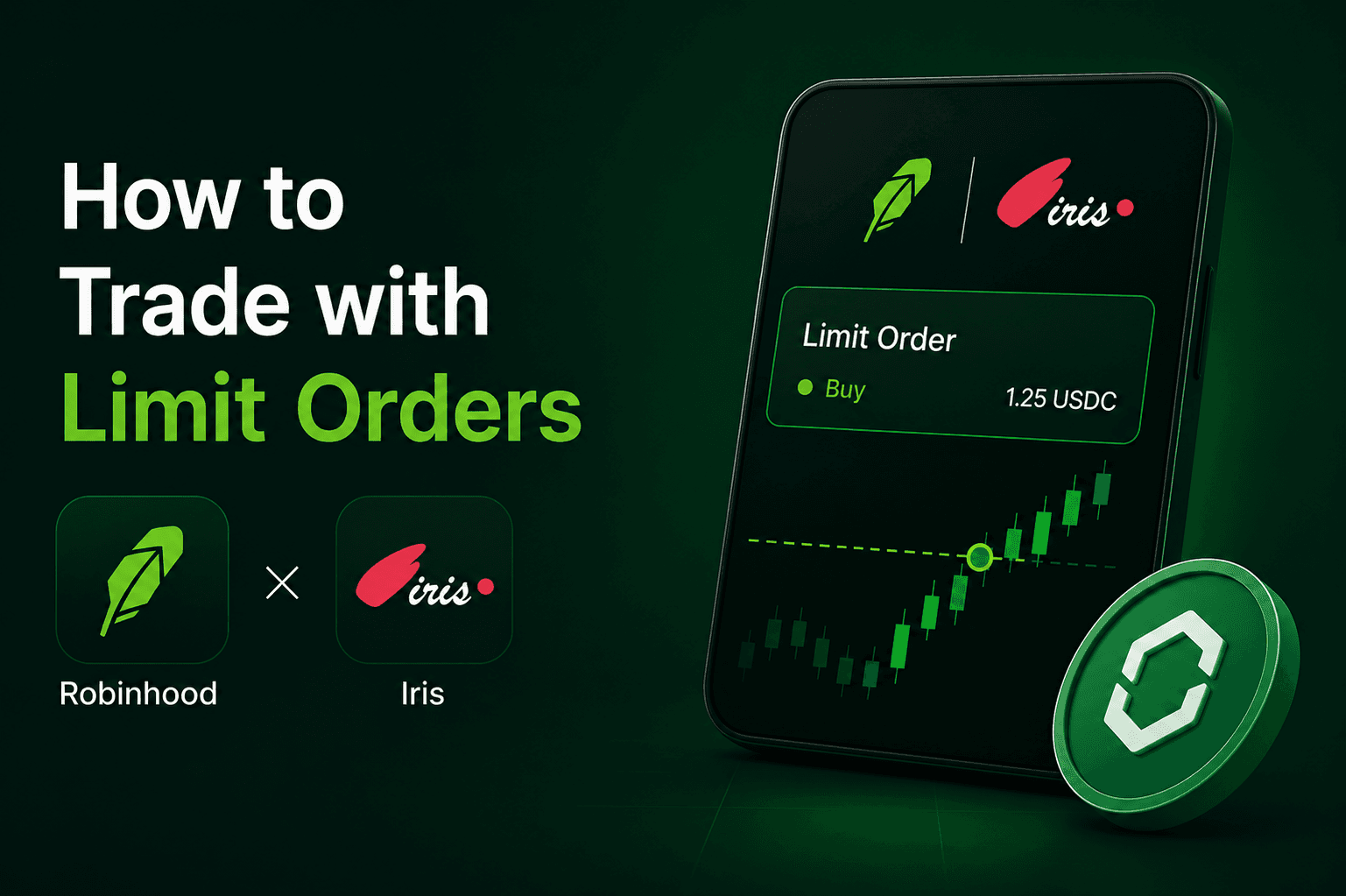




- Limit orders on Robinhood Chain allow you to set a specific price for buying or selling tokens.
- IrisApp automates these orders, executing them only when your target price or better is met.
- Buy limit orders execute at or below your target; sell limit orders execute at or above your target.
- Limit orders provide price protection in volatile markets but do not guarantee execution.
What is a limit order on Robinhood Chain?
A limit order is an instruction to execute a trade only at a specific price or better, providing traders with absolute control over their entry and exit points. Unlike market orders, which execute immediately at the current available price, limit orders remain pending until the market reaches your predefined target.
- Price Control: You determine the maximum you are willing to pay or the minimum you are willing to accept.
- Execution Certainty: While the price is guaranteed, the execution is not; the order only fills if a counterparty is available at your price.
- Market Compatibility: Limit orders on Robinhood Chain are compatible with any EVM-standard token available on the network.
How do buy and sell limit orders work in IrisApp?
IrisApp facilitates automated execution by monitoring liquidity pools on Robinhood Chain in real-time and triggering your orders the moment your limit price or better is reached. This removes the need for manual monitoring and helps protect against unwanted slippage during high market volatility.
- Buy Limit Orders: These are placed at or below the current market price. The order will only execute if the token price reaches your target or lower.
- Sell Limit Orders: These are placed at or above the current market price. The order will only execute if the token price reaches your target or higher.
- Partial Fills: If there is insufficient liquidity available at your exact target price, the order may be partially filled, depending on available DEX liquidity and protocol routing.
Why should I use limit orders instead of market orders?
Limit orders are essential for managing risk and preventing unfavorable executions in the fast-moving DeFi environment of Robinhood Chain. They act as a safeguard against "flash crashes" or sudden price spikes that could lead to significant losses with market orders.
| Feature | Market Order | Limit Order |
|---|---|---|
| Execution Speed | Immediate | Delayed (until price is hit) |
| Price Guarantee | No (subject to slippage) | Yes (target price or better) |
| Execution Guarantee | Yes (if liquidity exists) | No (depends on market movement) |
| Use Case | Urgent entry/exit | Strategic entry/exit |
How do I set up a limit order on Robinhood Chain using IrisApp?
Trading on IrisApp requires a connected Web3 wallet and sufficient ETH for gas fees on the Robinhood Chain network. Once connected, the interface allows for seamless order placement across any supported token pair.
- Connect Wallet: Link your compatible Web3 wallet (such as Robinhood Wallet or MetaMask) to the IrisApp platform and ensure the network is set to Robinhood Chain.
- Select Token Pair: Choose the token you want to trade and the asset you want to receive (e.g., ETH to USDC) from the list.
- Choose Order Type: Select "Limit Order" from the trading widget.
- Set Limit Price: Enter the specific price at which you want the trade to execute. For a buy order, this is usually below the current price; for a sell order, it is above.
- Approve Token (If Applicable): If trading or selling an ERC-20 token for the first time on the platform, submit a standard token allowance approval in your wallet.
- Confirm and Sign Order: Review the order details and sign the message in your wallet to permit IrisApp's relayer or smart contract to execute the trade when your target price is met.
Frequently Asked Questions
Q1: Are limit orders on Robinhood Chain guaranteed to execute?
A: No, limit orders are not guaranteed. They only execute if the market price reaches your specified limit and there is enough liquidity to fill the order.
Q2: Can I cancel a limit order after it has been placed?
A: Yes, you can cancel an open limit order through the IrisApp interface at any time before it is filled, though you may need to pay a small gas fee for the on-chain cancellation.
Q3: Does IrisApp charge extra fees for limit orders?
A: Signing a limit order is free, but standard gas fees apply when approving tokens, canceling orders, or settling trades on-chain.