



Summary
- You do not need Robinhood Wallet to withdraw BTC from Robinhood Crypto. You can use Robinhood Crypto’s Send flow and a compatible Bitcoin receiving address.
- Before sending, complete Robinhood’s identity verification and confirm that the destination accepts native Bitcoin mainnet BTC.
- Robinhood estimates the network fee before you submit. The amount and your withdrawal limit are shown in the app and can vary.
- Bitcoin transfers are final. A wrong address or incompatible network can result in permanent loss.
Steps to transfer
- Step 1: Verify identity and transfer eligibility
You log into your crypto platform and complete any required security checks (like 2-Factor Authentication or KYC verification) to unlock withdrawal privileges. - Step 2: Copy the destination’s BTC address
You find and copy the unique, alphanumeric public address of the wallet or exchange where you want to send the funds. -
Step 3: Review network, amount and fee
Double-check that you are using the correct network (the native Bitcoin network), specify how much BTC you want to send, and review the transaction/network fees. -
Step 4: Submit and monitor confirmations
You finalize the transfer and track its progress on the blockchain as miners verify and secure the transaction.
Can You Transfer Bitcoin Out of Robinhood?
Yes—if crypto transfers are enabled for your account and the destination is compatible with Bitcoin. Robinhood says users must first verify their identity to enable crypto transfers. Verification is often approved quickly, but Robinhood says review can take up to five business days.
Quick eligibility and verification requirements
- Complete Robinhood’s identity-verification process when prompted.
- Use an account that has crypto transfers enabled.
- Check the current withdrawal limit displayed for your account. Robinhood says limits can depend on verification level, transaction history and other account factors.
- Make sure the BTC is available to transfer and that no account or transaction review is holding it.
Important product distinction:
Robinhood Crypto and Robinhood Wallet are separate products. Robinhood Wallet is an optional self-custody wallet in which you control the private keys. It supports Bitcoin and several other networks, but you do not have to move BTC through Robinhood Wallet before sending it to another external wallet.
Robinhood Bitcoin Wallet Address: What You Need to Know
The address you need is the receiving address generated by the destination wallet, not a “Robinhood withdrawal address.” Each asset has its own address. Robinhood specifically warns that it's deposit address is different from a withdrawal address, so do not reuse or guess an address from another transaction.
How to find the receiving address
- Open the external wallet or exchange where you want to receive BTC.
- Select Bitcoin, then choose Receive or Deposit.
- Copy the displayed Bitcoin address or use its QR code.
- Compare the first and last five characters after pasting it into Robinhood. Never rely on a screenshot or an address sent by an unknown person.
Address format and network compatibility warnings
Bitcoin addresses can use different valid formats, including addresses beginning with 1, 3, or bc1. The important check is not the visual prefix alone: the receiving service must identify the address as a Bitcoin mainnet address and accept BTC on that network. Do not send BTC to an Ethereum, Solana, Polygon, Base, or other non-Bitcoin address.

How to Withdraw Bitcoin From Robinhood — Step-by-Step
Use Robinhood Crypto’s Send flow, review every field, and submit only after the destination confirms native BTC support.
Step 1: Determine Your External Destination
Before starting your transfer, decide which external wallet you want to receive your Bitcoin such as a hardware cold wallet (Ledger, Trezor) or a supported self-custody hot wallet (Exodus, Phantom).
Step 2: Get the receiving wallet’s deposit address
In the destination wallet, open Bitcoin and select Receive. Copy the address directly from that screen. If the destination is an exchange, use its BTC deposit page and read any current network instructions before copying the address.
Step 3: Confirm network and enter the amount
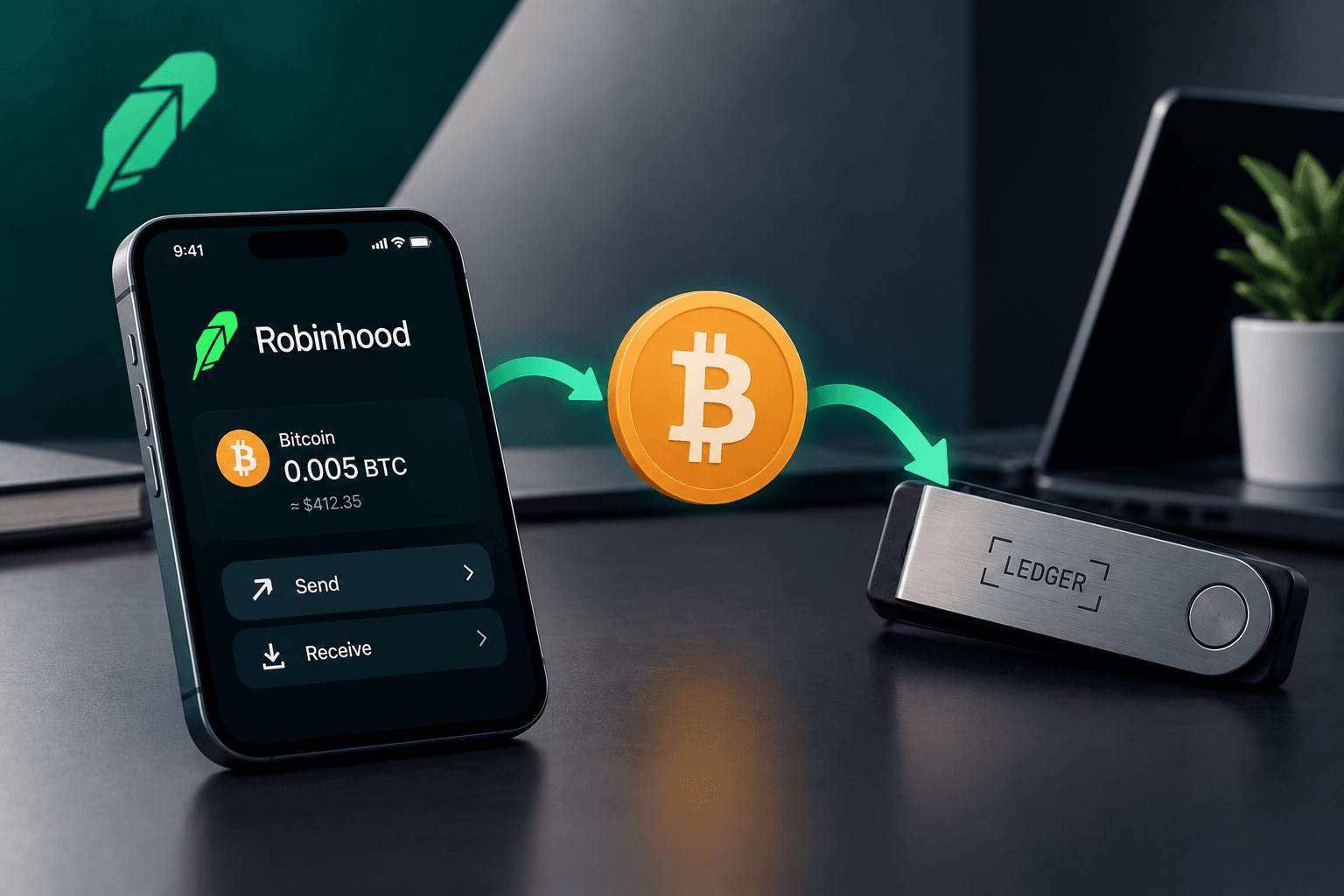
In the Robinhood app, open the Bitcoin detail page, select Send, paste the destination address, enter the amount, and review the network-fee estimate. Robinhood says the fee depends partly on the coin and network conditions and is shown before you finalize the transfer.
Step 4: Send and confirm the transaction
Select Review, inspect the address, amount and fee, then select Submit. Save the transaction ID if the app provides one and monitor the receiving wallet for network confirmations. Do not assume that a submitted transaction can be canceled: Robinhood says crypto transfers are final and cannot be reversed.
Transferring to a Hot Wallet (e.g., Phantom, Exodus)
A hot wallet is software connected to an internet-enabled device. The brand name is not enough to determine compatibility. Open the wallet’s current Bitcoin account, choose Receive, and proceed only if it gives you a native BTC address and explicitly supports receiving BTC on Bitcoin mainnet.
| Destination type | What to verify before sending | Main risk |
|---|---|---|
| Software hot wallet | It shows a Bitcoin account and a BTC receive address. | Device compromise, phishing, or copying the wrong address. |
| Exchange deposit wallet | The deposit page says Bitcoin/BTC and identifies the network as Bitcoin. | Exchange holds, changing deposit instructions, or unsupported networks. |
| Hardware wallet | The device’s companion app displays a Bitcoin receive address that you verify on the device screen. | Fake software, incorrect address verification, or lost recovery backup. |
Moving Bitcoin to a Cold Wallet (Ledger, Trezor)
Cold storage keeps signing keys offline when the device is not being used, which can reduce exposure to online attacks. It does not make transactions reversible and does not remove the need to verify the address. For a large transfer, consider sending a small test amount first, then verify receipt before moving the remainder.
- Set up the hardware wallet using the manufacturer’s official instructions.
- Open the official companion app and add or open a Bitcoin account.
- Choose Receive and verify the full address on the hardware device itself—not only on the computer or phone screen.
- Paste that verified address into Robinhood Crypto, review the fee and submit.
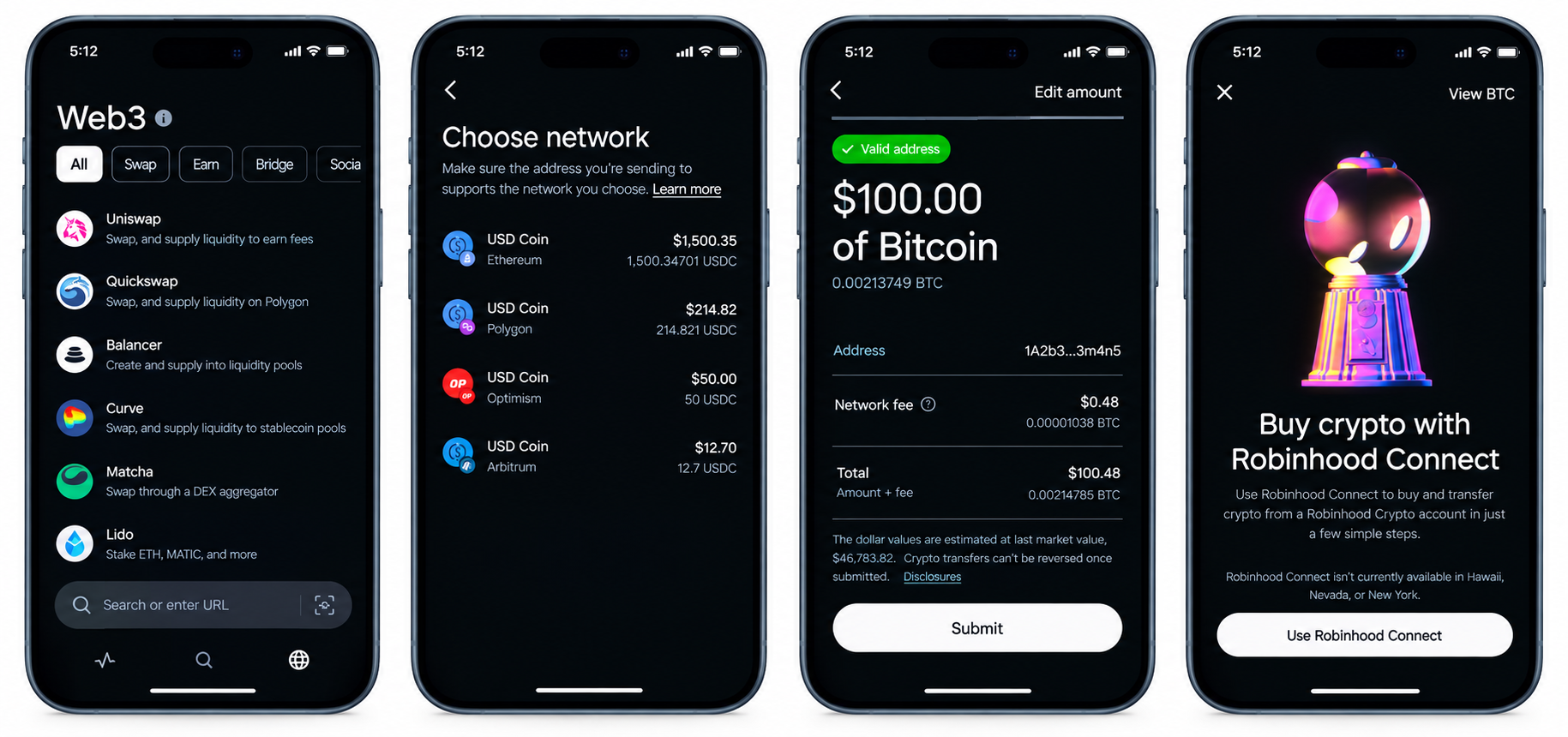
Robinhood Bitcoin Withdrawal Fees Explained
Robinhood’s official transfer guidance describes an on-chain network fee for every on-chain crypto transaction and says the estimate is shown before confirmation. The amount can change with network conditions. The recipient does not pay Robinhood a separate fee to receive crypto, but the sending transaction still needs a network fee.
Network fees vs. Robinhood fees
- Network fee: The estimated cost of processing the on-chain transaction; Robinhood displays it before submission.
- Robinhood transfer charge: Do not assume a universal additional fee. Read the fee line in the current send-review screen for your specific transaction.
- Trading costs: Buying or selling BTC is separate from transferring BTC and may involve different pricing or fees.
How to minimize fees
- Review the estimate before sending and avoid rushing during unusually congested network periods.
- Batching is not generally available as a user-controlled option through Robinhood’s send screen, so do not rely on it to reduce the fee.
- Do not choose a different network merely because it looks cheaper; the destination must support that network and the same asset.
How Long Does a Robinhood Bitcoin Transfer Take?
There is no guaranteed fixed completion time. Bitcoin transfers depend on network conditions, the fee selected by the sending service, required confirmations and any Robinhood security review. Robinhood says incoming transfers can take up to a few hours under ordinary conditions and that its security review typically takes a few minutes but can occasionally take longer. Outgoing transfers may also remain pending while Robinhood or the network processes them.
Common Errors When Sending Bitcoin From Robinhood (and Fixes)
Wrong network selected
Fix: Stop before submitting and confirm that the destination says Bitcoin mainnet and accepts BTC. A Bitcoin address is not interchangeable with an address for another chain.
Withdrawal limits or holds
Fix: Check the amount Robinhood allows in the send screen. Limits can depend on verification and account factors. If a transfer is held for review, use the in-app status and Robinhood Support rather than repeatedly submitting new transactions.
Address copied incorrectly
Fix: Copy or scan the address from the destination wallet, then compare the first and last five characters. If the address changes after copying, treat it as a possible malware or phishing issue and stop.
Never share your recovery phrase
Robinhood says it will never provide a secret recovery phrase for you to import. No legitimate support agent needs your seed phrase, private key or password to help with a transfer.
Frequently Asked Questions (FAQs)
Q: Can I send Bitcoin from Robinhood to an external wallet?
A: Yes, if crypto transfers are enabled for your account and the external wallet accepts native BTC on Bitcoin mainnet. Use Robinhood Crypto’s Send function.
Q: Is there a fee to transfer Bitcoin from Robinhood?
A: Robinhood says every on-chain crypto transaction incurs a network fee and shows an estimate before you finalize the transfer. Review the current send screen for the exact amount and any displayed charges.
Q: How do I withdraw Bitcoin to a cold wallet?
A: Create a BTC receive address in the hardware wallet’s official companion app, verify it on the device screen, paste it into Robinhood Crypto’s send flow, and review the network, amount and fee before submitting.
Q: What is my Robinhood Bitcoin wallet address?
A: For sending BTC out, you need the receiving address from the destination wallet. Robinhood’s own BTC deposit address is for receiving BTC into Robinhood and is different from a withdrawal destination.
Disclaimer: The information on this blog is for educational and informational purposes only and does not constitute financial, investment, or legal advice.