


The fastest way to understand RetoSwap?
RetoSwap matches buyers and sellers rather than acting as the counterparty to a trade. A buyer selects an offer, sends the agreed payment, and receives XMR after the seller confirms receipt; a seller funds an offer with XMR, receives the agreed payment, and then releases the trade.
- Platform model: Peer-to-peer, non-custodial trading through a desktop or Android client.
- Base asset: Monero, identified as XMR.
- Network: The RetoSwap client uses Tor and the Haveno trade protocol.
- Current fees shown by RetoSwap:
- 0.1% for makers
- 0.8% for crypto takers
- 2% for fiat takers.
- Trade security: The documented flow uses a security deposit and non-custodial multisignature escrow.
Key insight: RetoSwap does not guarantee an instant market order. Your final price, payment method, limits, trade period, and counterparty depend on the specific offer you choose.
How do you set up RetoSwap before buying or selling XMR?
Install the official client, launch it, wait for its services to initialize, and create a local trade account for the payment method and currency you intend to use. The project says the account data is stored locally and shared only with the trade partner when required by the trade.
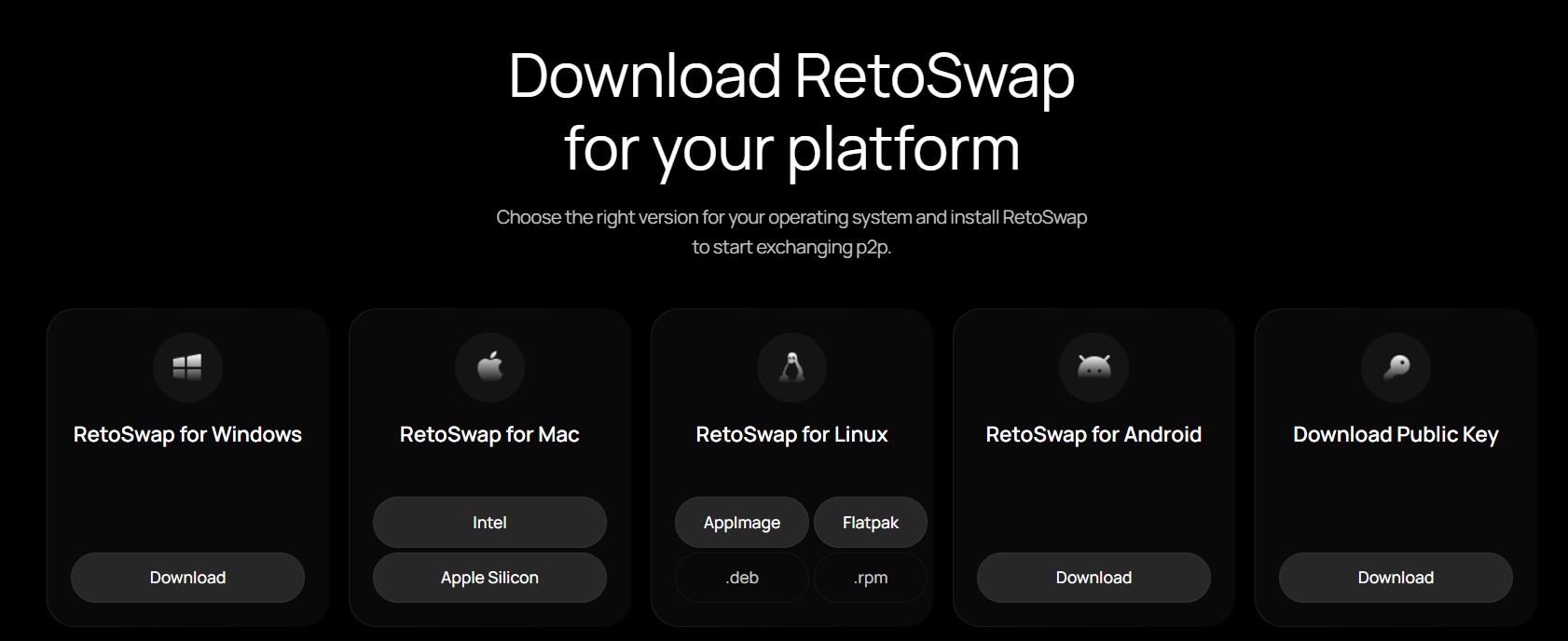
- Download the client from the official RetoSwap website or its linked release repository. Choose the version for your operating system.
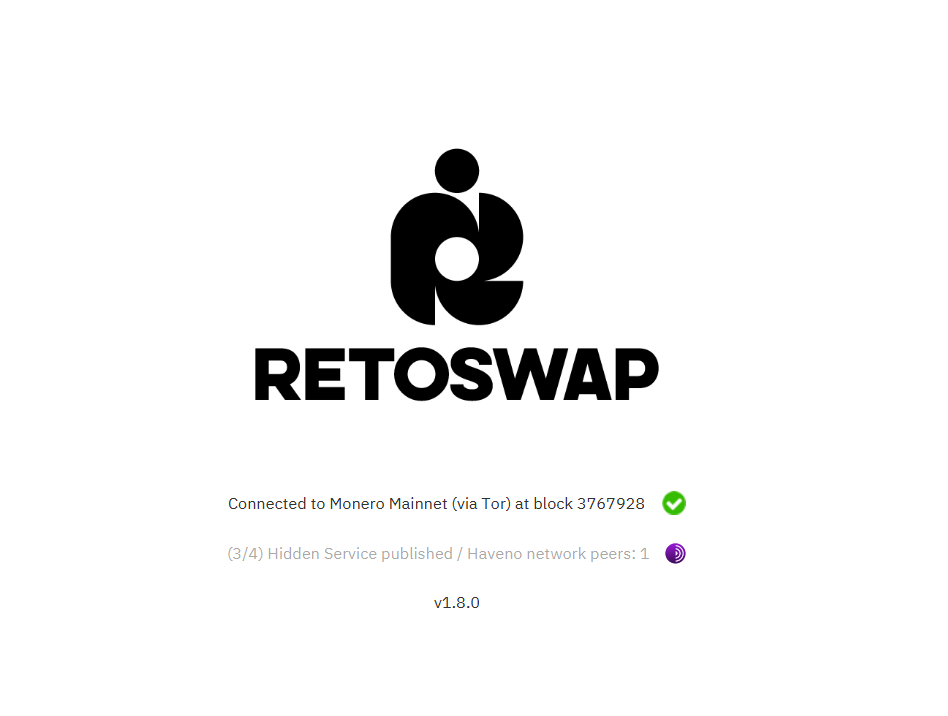
- Launch the application and wait until the network and wallet services are ready.
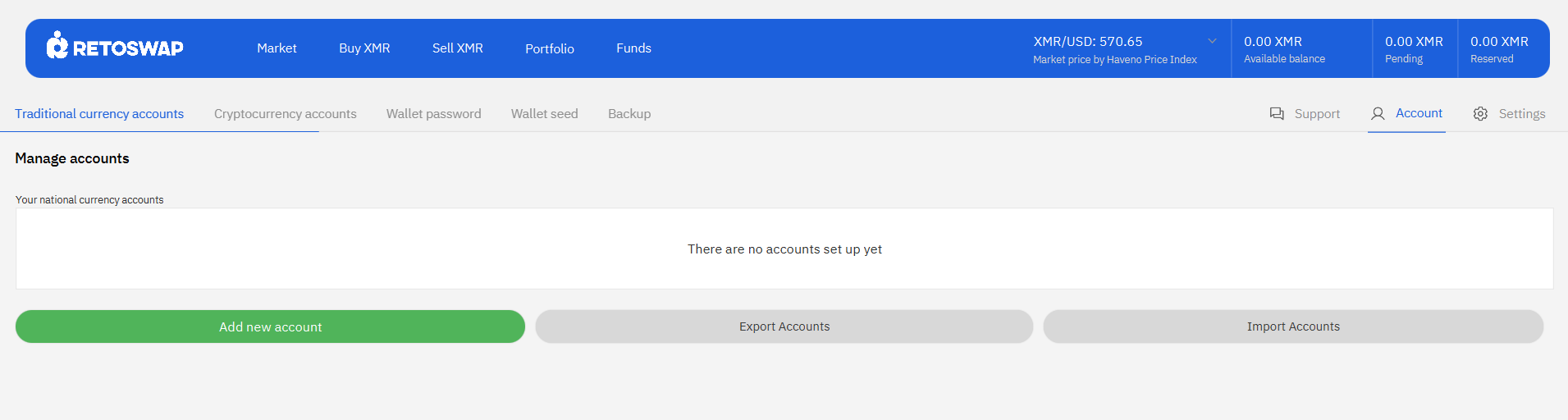
- Create a trading account for the payment method and currency you plan to use.
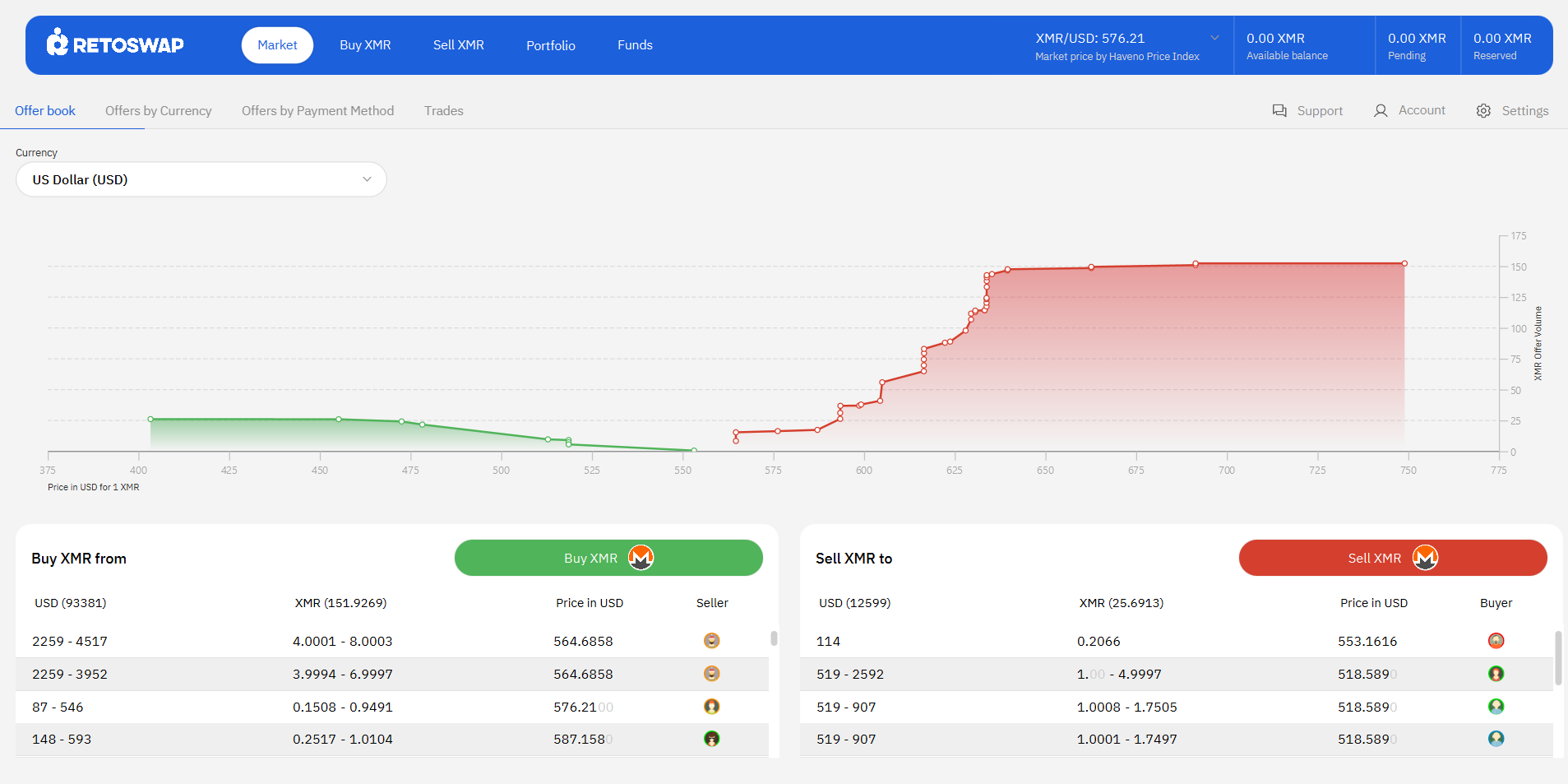
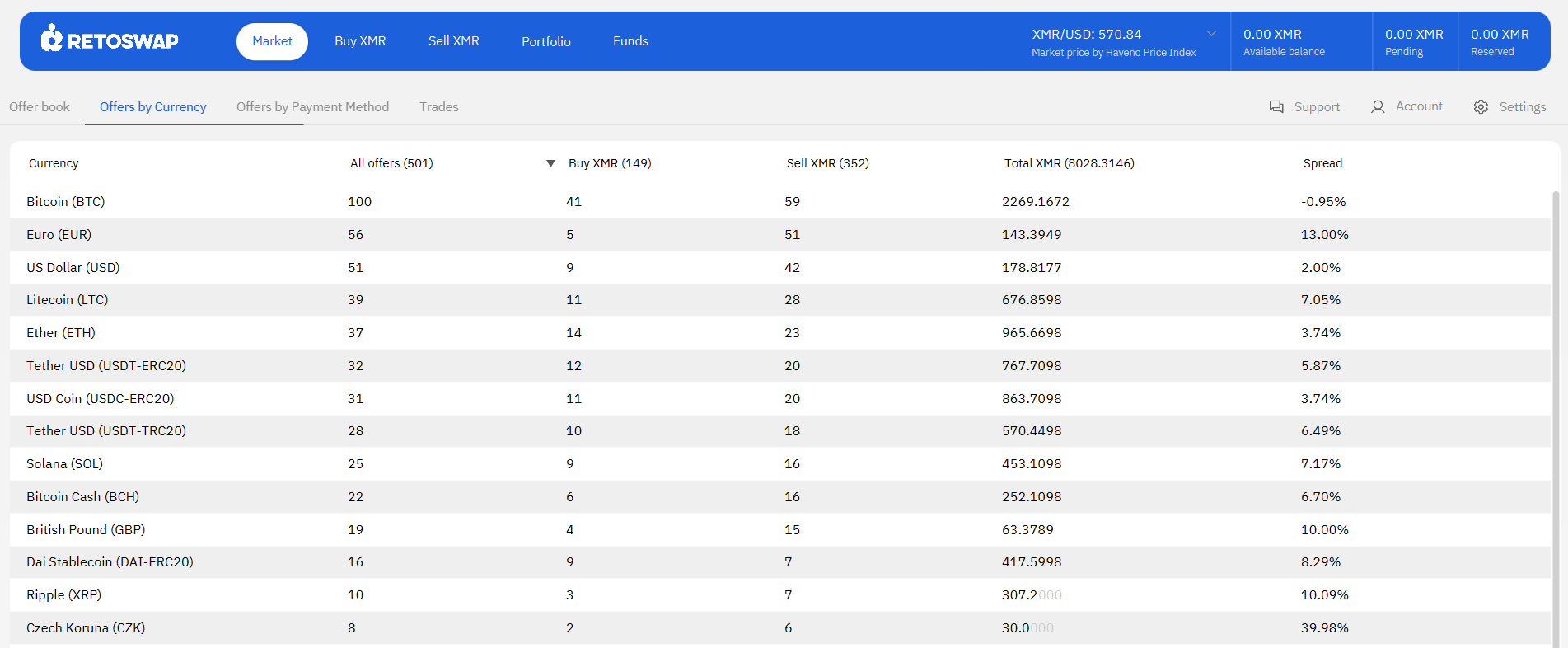
- Review the available offers, including the price, amount, payment method, limits, trade period, and any maker-specific terms.
- Fund your local wallet when the selected trade requires a security deposit. RetoSwap also documents no-deposit offers for users who do not yet hold XMR, subject to the offer’s conditions.
- Open the market for the currency or cryptocurrency you will use to pay.
- Compare offers by price, amount, payment method, limits, account requirements, and trade period.
- Read the maker’s additional terms before accepting the offer. Do not accept an offer whose conditions you cannot satisfy.
- Take the offer and fund the required security deposit when prompted.
- Send the exact agreed payment through the contract’s payment method.
- Click Payment started after sending the payment. Keep the transaction evidence inside the trade chat and follow the client’s instructions.
- Wait for the seller to verify receipt and for the trade to complete. The released XMR is then paid out to your main wallet.
- Open the market for the asset you want to receive.
- Create an offer to sell XMR, or select a compatible buyer’s offer.
- Set the amount, price or price deviation, minimum trade size if available, payment method, and any additional terms.
- Fund the offer or trade with the required security deposit. The getting-started documentation illustrates a 15% security deposit for the trade flow, but the client and offer terms are the controlling interface for a particular trade.
- Wait for the buyer to send payment and mark it as started.
- Verify the payer name, account number, payment method, institution, and amount against the trade contract.
- Click Confirm payment only after the money is actually received and the details match. The XMR can then be released when both sides close the trade.
- Paste the correct Monero destination address into the address field.
- Enter the amount to withdraw or select the available balance option.
- Review the destination address and amount before confirming.
- Use the withdrawal memo only when the recipient or service specifically requires one.
- Do not share your wallet seed, private keys, or account credentials.
- Download the client only from links published by RetoSwap or its linked release repository.
- Keep your wallet seed, passwords, and backup material offline and private.
- Use the built-in trader chat rather than moving the conversation to an unrequested external channel.
- Do not change payment details after the deposit transaction is published.
- Check that the name and account details used for a fiat payment match the trade contract.
- Never confirm receipt before funds have arrived. External chargebacks cannot be reversed by RetoSwap after XMR is released.
- Start with an amount you can afford to have delayed while payment confirmations or a dispute are processed.
- Is the offer for the asset, currency, amount, and payment method you actually need?
- Do the maker’s terms fit your circumstances?
- Can your payment account send and receive the required amount within the trade period?
- Have you calculated the RetoSwap fee, provider fee, and network fee?
- Do you understand the security-deposit requirement and possible dispute delay?
- Have you verified the official client download and protected your wallet backup?
- Open the official RetoSwap website and use its current client download.
- Read the official RetoSwap getting-started documentation before funding a trade.
- Review the official RetoSwap trading rules before accepting an offer.
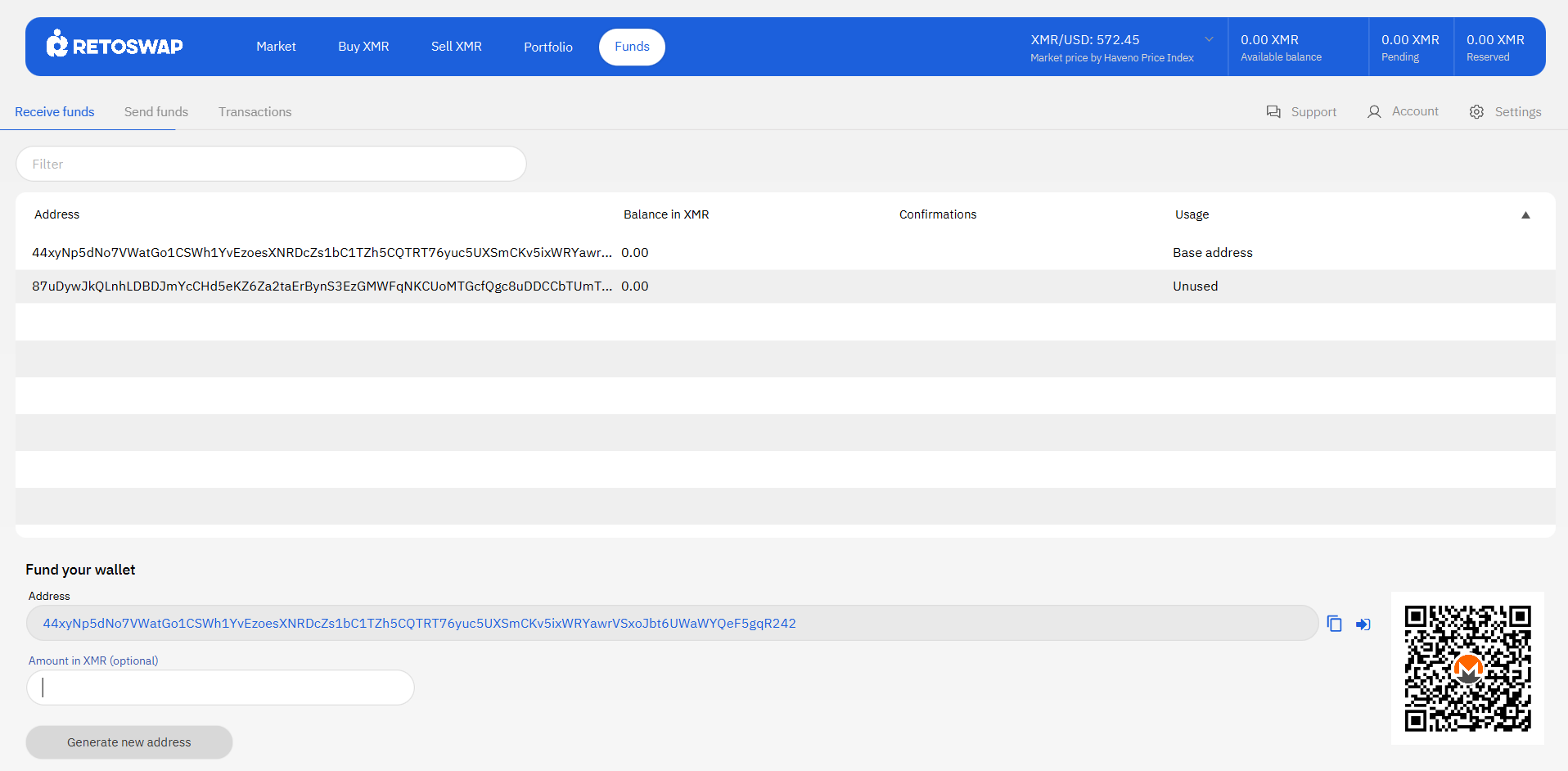
What is the difference between buying and selling Monero?
Buying XMR means paying the seller through the agreed payment method and confirming that the payment has been sent. Selling XMR means depositing the XMR required by the offer, checking that the payment details match the contract, and confirming receipt only after the payment has actually arrived.
| Activity | What you provide | Main confirmation | Primary operational risk |
|---|---|---|---|
| Buy XMR | Fiat or another supported cryptocurrency, plus any required deposit | Click Payment started after sending payment | Missing the payment deadline or using payment details that do not work |
| Sell XMR | XMR for the offer and any required deposit | Click Confirm payment only after verifying receipt | Chargebacks, mismatched payer details, or releasing too early |
How do you buy Monero on RetoSwap?
To buy XMR, take a compatible sell offer, fund the required security deposit, complete the agreed payment, and follow the trade-status prompts in the client. The exact payment deadline varies by payment method.
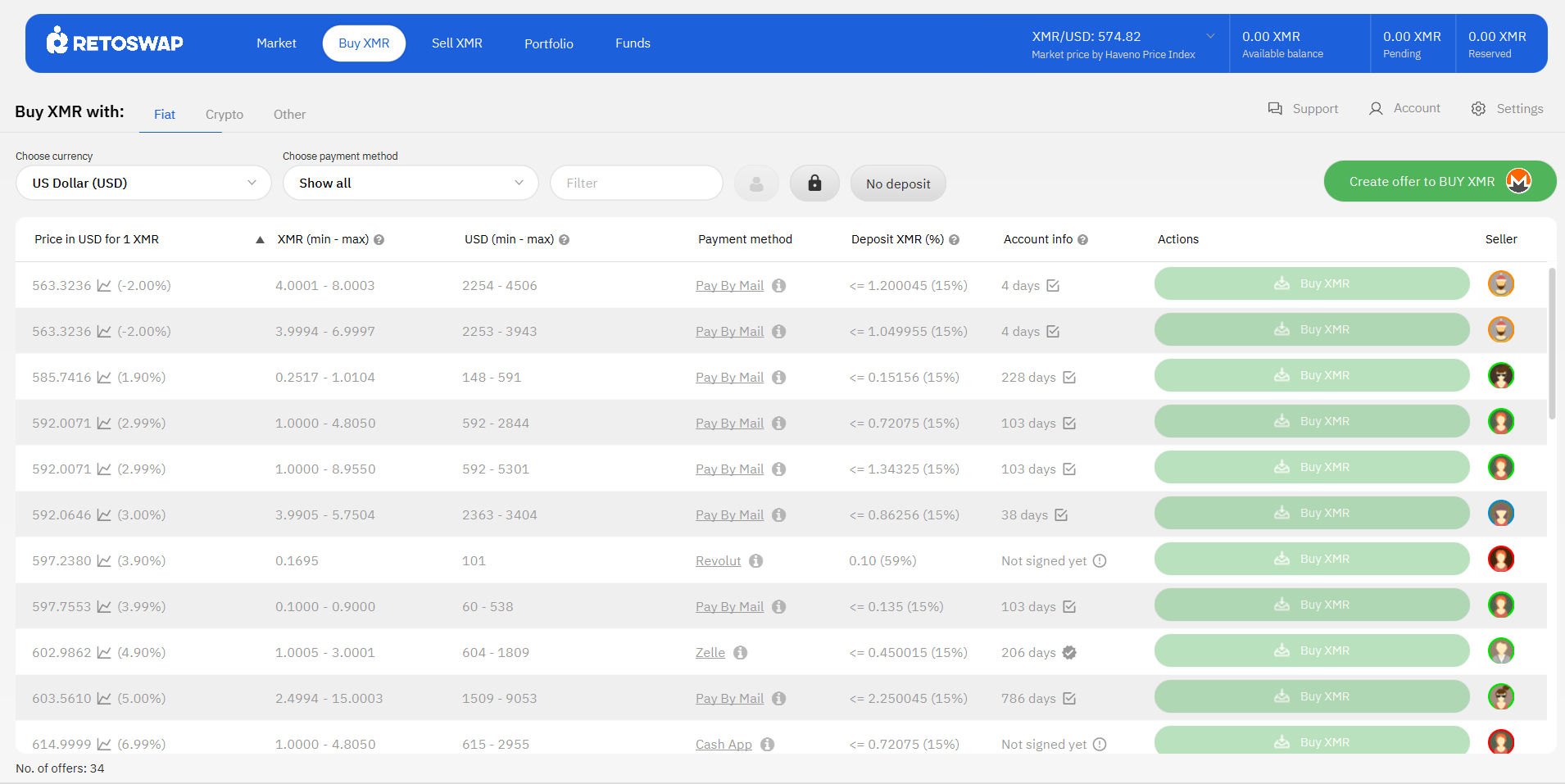
Buyer warning: RetoSwap’s rules say not to wait until the end of the trade period to pay. The seller needs enough time to verify receipt before the deadline.
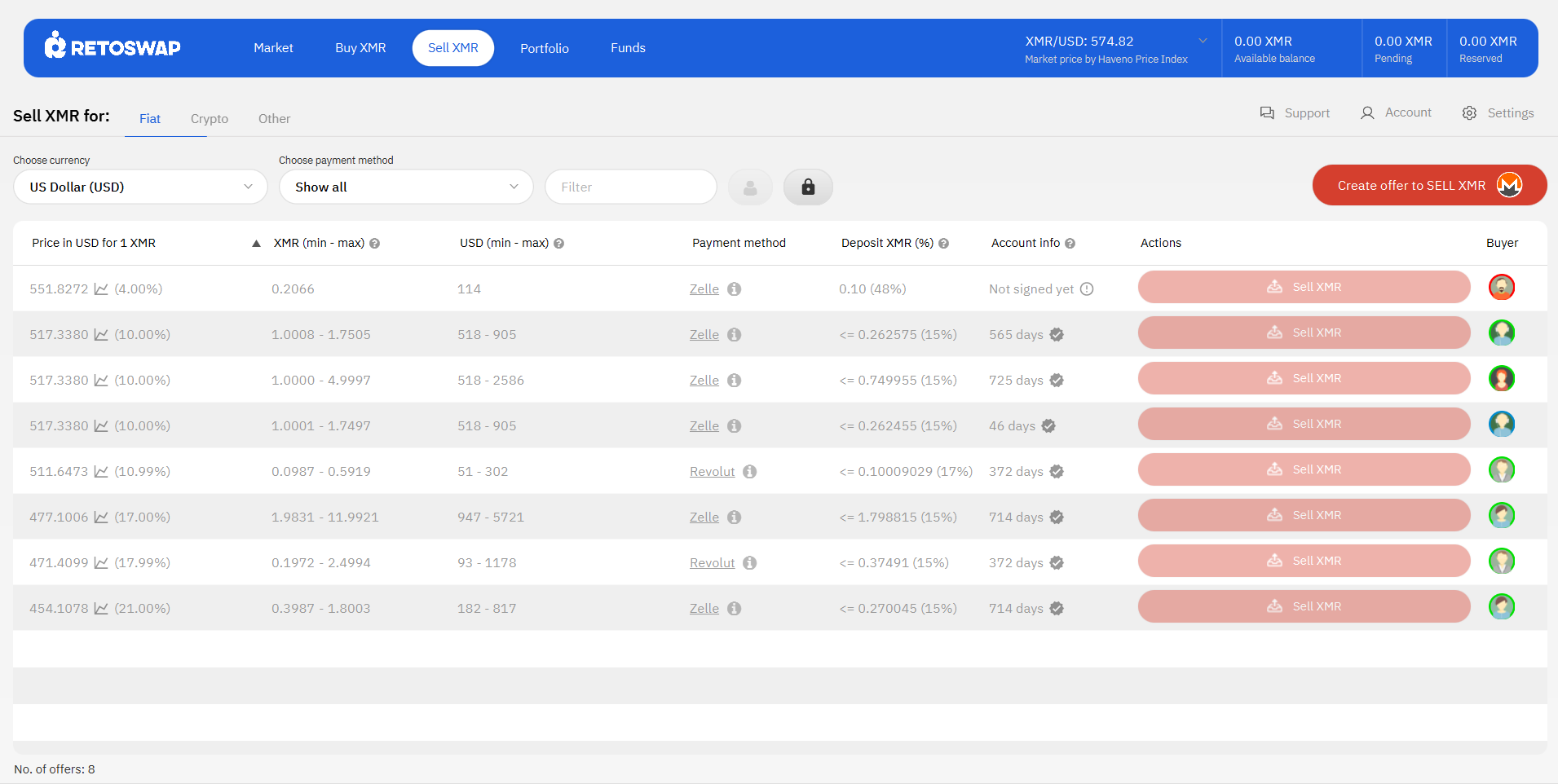
How do you sell Monero on RetoSwap?
To sell XMR, create and publish an offer or take a buy offer, fund the trade with the required XMR and security deposit, monitor the payment, and confirm receipt only after checking the details against the trade contract.
How do you send XMR from your RetoSwap wallet?
After a completed trade, you can use the Send funds section to withdraw XMR from your RetoSwap wallet to another Monero address. Enter the destination address, specify the amount, review the details carefully, and confirm the withdrawal only after verifying the address.
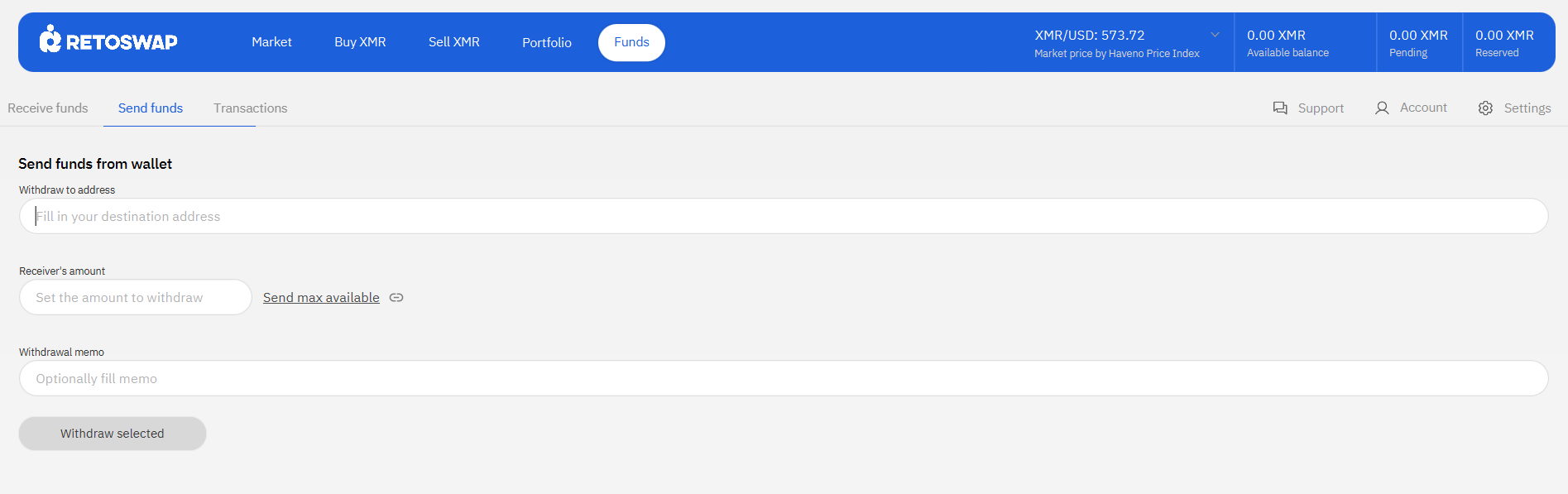
Withdrawal warning: Monero transactions cannot normally be reversed after they are broadcast. Verify the address and amount before selecting Withdraw selected.
Which assets, payment methods, and fees does RetoSwap support?
RetoSwap lists XMR, USDT on Ethereum and Tron, ETH, BTC, LTC, and BCH as supported cryptocurrencies. It also lists many fiat payment methods, but availability depends on the offers currently published and on local conditions.
| Category | Officially listed examples | What to verify before trading |
|---|---|---|
| Cryptocurrencies | XMR, USDT on Ethereum and Tron, ETH, BTC, LTC, BCH | Network, amount, confirmations, wallet address, and the specific offer |
| Fiat methods | SEPA, ACH, PayPal, CashApp, Wise, Zelle, cash by mail, and in-person methods are listed by the project | Country availability, account ownership, limits, fees, reversibility, and trade deadline |
| Platform fees | 0.1% maker; 0.8% crypto taker; 2% fiat taker | Payment-provider fees and blockchain fees are separate from the RetoSwap fee |
What security practices matter most on RetoSwap?
The safest workflow is the one that stays inside the client, follows the written offer terms, and avoids premature payment or release decisions. Privacy features do not remove counterparty, payment-provider, wallet, or software risk.
Privacy does not equal legal exemption: RetoSwap states that users are responsible for complying with the laws and regulations of their own jurisdictions.
What happens if a RetoSwap trade goes wrong?
Open a dispute in the client and preserve the trade record, payment evidence, and relevant chat history. RetoSwap’s published rules say an arbitrator reviews the evidence, normally responds within 12 hours, and may take up to seven days in rare cases; complex cases involving international transfers or cash by mail can take longer.
Traders are expected to respond to arbitrators within 48 hours. A user who is unresponsive can lose a dispute. This is why users should not delete evidence, move discussions away from the platform, or assume that a payment-provider reversal will resolve the trade automatically.
What should you check before taking an offer?
Use this short pre-trade checklist before committing funds or sending a payment.
Frequently Asked Questions (FAQs)
Q: Is RetoSwap a centralized exchange?
A: No. RetoSwap describes itself as a peer-to-peer network that users access through software running on their own hardware. It does not act as a centralized custodian or provide the network’s liquidity.
Q: Does RetoSwap require identity verification?
A: RetoSwap states that the software itself does not verify user identities. Users remain responsible for following the laws and regulations applicable to them and for checking the terms of their payment provider.
Q: Can I buy XMR if I do not already own Monero?
A: RetoSwap documents no-deposit offers that may allow a new user to begin without first funding a security deposit in XMR. Availability and conditions depend on the individual offer.
Q: How long does a RetoSwap trade take?
A: RetoSwap says cryptocurrency transactions typically complete within minutes, while fiat transfers can take up to a week depending on the payment method. The actual trade period is set by the offer.
Q: What is the most important mistake to avoid?
A: Do not confirm payment or release XMR based on a screenshot, promise, or message. Confirm the actual funds and the contract details inside the appropriate workflow.
What are the next steps for a first trade?
Begin with the official client, create the required local trade account, and inspect offers without committing funds. Compare the total cost and payment risk, choose a small trade whose terms you can meet, and keep every important action inside the RetoSwap workflow.
Disclaimer: Not a Financial Advice, all the content is for educational purposes only. Cryptocurrency investing involves high risk and extreme volatility. Do your own research (DYOR) before investing.