Last Updated: August 25, 2026
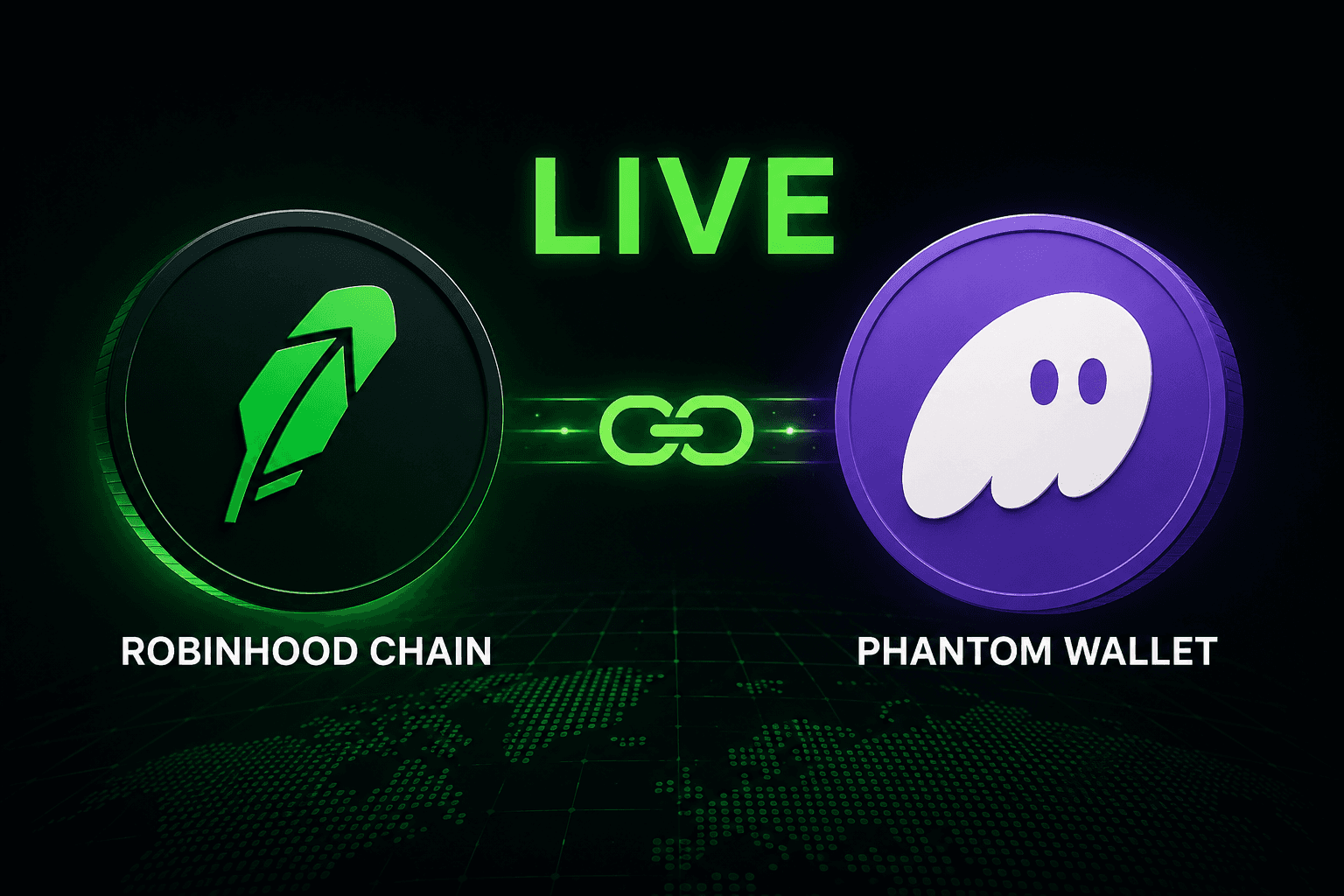
Yes, Robinhood Chain is supported in Phantom. To enable it, update Phantom, open Settings & Active Networks, and turn on Robinhood Chain. After enabling the network, select Robinhood Chain before receiving, sending, swapping, or bridging assets. Phantom currently lists Robinhood Chain among its supported networks. Check Phantom’s supported-networks documentation.
Wallet menus and supported features can change, so verify the current instructions in the official Phantom and Robinhood documentation before moving funds.
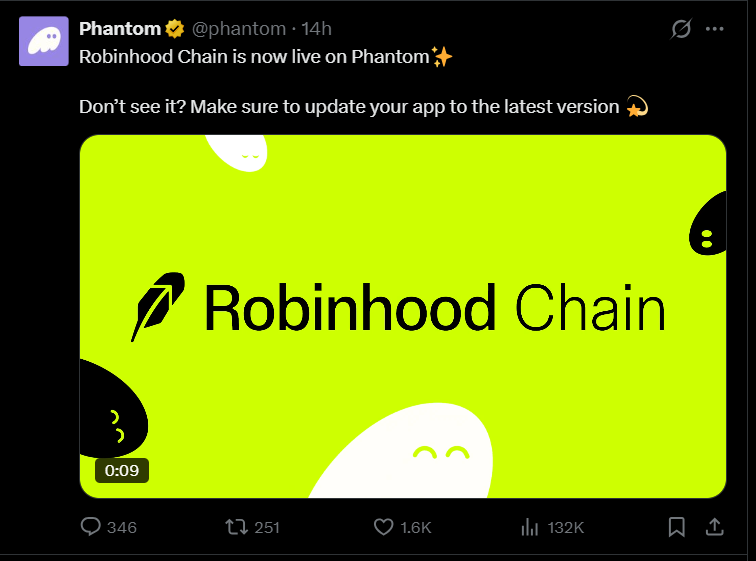
How to enable Robinhood Chain in Phantom Wallet
Phantom’s current setup flow uses the wallet’s network settings. You normally do not need to add a custom RPC network manually when Robinhood Chain is already available in Phantom’s supported-network list.
- Update Phantom. Install the latest version of the official Phantom mobile app or browser extension. If Robinhood Chain does not appear, close and reopen Phantom after updating.
- Open Settings. Launch Phantom and open Settings.
- Open Active Networks. Select Active Networks to view the networks available in your wallet.
- Turn on Robinhood Chain. Toggle Robinhood Chain on, then return to your wallet.
- Confirm the selected network. Before copying an address or approving a transaction, check that Phantom shows Robinhood Chain as the active network.
Robinhood Chain is EVM-compatible, so Phantom may use the same EVM account address across several EVM networks. The appearance of the address alone does not make a transfer safe: the sending service must support Robinhood Chain, and the correct network must be selected on both sides.
How to receive funds on Robinhood Chain
The funding section should not rely on an image alone. Use the following checklist whenever you receive assets:
- Enable and select Robinhood Chain in Phantom.
- Copy your Phantom receiving address only after confirming that Robinhood Chain is the selected network.
- Open the sending wallet, exchange, bridge, or other supported service.
- Select Robinhood Chain as the destination network and choose an asset that the receiving route supports.
- Compare the displayed address, asset, and network before confirming the transfer.
- Wait for the transaction to complete, then refresh Phantom and confirm the balance on Robinhood Chain.
Do not send ETH from Ethereum or Base while assuming it will automatically become ETH on Robinhood Chain. Network balances are separate even when the wallet address looks similar. If a route is unavailable in your exchange or bridge, do not substitute an unverified network or contract address.
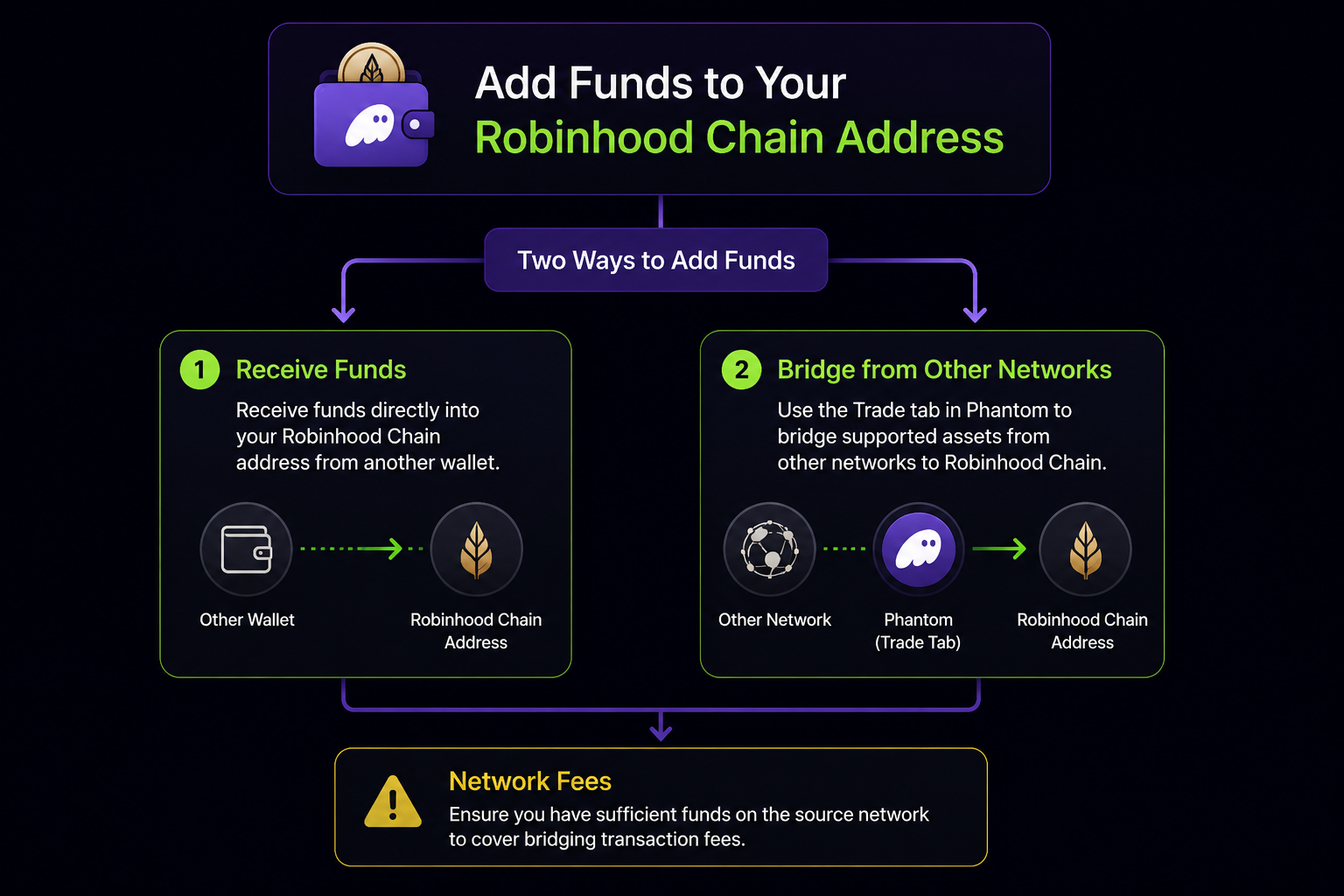
How to bridge assets to Robinhood Chain
If you are moving assets from another blockchain, use a bridge route that explicitly lists Robinhood Chain as the destination. Select the correct source network, destination network, asset, and recipient address. Review the estimated amount, bridge fee, provider fee, and expected completion time before approving the transaction.
Bridging is different from sending an asset on the same network. A bridge may involve a separate fee or processing period, and not every asset or route is supported. Always rely on the official bridge or service interface rather than copying contract addresses from an unverified social-media post.
What can you do with Robinhood Chain in Phantom?
After Robinhood Chain is enabled, Phantom can display and manage supported assets on that network. Depending on the asset, route, region, and current Phantom features, users may be able to view balances, receive assets, send assets, swap supported tokens, and use supported bridging routes.
Feature availability is not universal. A token appearing on a blockchain does not necessarily mean that Phantom supports displaying, swapping, bridging, or connecting to every application associated with that token. Check the specific asset and route in Phantom before approving a transaction.
What are the network fees on Robinhood Chain?
Robinhood Chain uses ETH on Robinhood Chain as its native network currency. Robinhood’s official documentation lists the mainnet chain ID as 4663 and the currency symbol as ETH. View Robinhood Chain’s official network documentation.
| Action | What to check | Important note |
|---|---|---|
| Sending assets | ETH on Robinhood Chain | Confirm that the wallet has enough network ETH and that the recipient supports the same network. |
| Bridging assets | Network gas plus any bridge or provider charge | Review the source network, destination network, estimated output, and fees before approving. |
| Eligible same-network swaps | The fee and route shown in Phantom | Some swaps may be promoted as gasless, but eligibility and coverage can vary. Treat the final quote in Phantom as authoritative. |
Important: ETH on Ethereum or Base is not automatically the same balance as ETH on Robinhood Chain. Do not use the token symbol alone to identify the network.
Robinhood Chain network details
These details are useful for troubleshooting compatible EVM wallets. Phantom users should first use Phantom’s built-in supported-network setting rather than manually adding a custom network.
| Property | Robinhood Chain mainnet | Robinhood Chain testnet |
|---|---|---|
| Chain ID | 4663 | 46630 |
| Native currency | ETH | ETH |
| RPC URL | https://rpc.mainnet.chain.robinhood.com/ | https://rpc.testnet.chain.robinhood.com |
| Block explorer | Robinhood Chain Blockscout | Robinhood Chain Testnet Explorer |
Current limitations and availability
Robinhood Chain and Phantom features may differ by product, asset, route, platform, and region. Robinhood Cash, Robinhood Wallet, and Phantom are separate products; a funding method available in one product should not be assumed to be available in another.
- Supported networks only: Phantom supports a defined list of networks. Its help center separately lists unsupported networks, including BSC, Arbitrum, Optimism, Avalanche, Unichain, and Linea. Do not send funds on an unsupported network and assume Phantom will display them.
- Asset and regional availability: Tokenized assets, stock-related assets, and other products may have eligibility or regional restrictions. Confirm availability in the official product interface.
- Swap eligibility: A gasless or sponsored swap, when offered, applies only to the route and transaction described in Phantom. Other transactions can still require network gas or service fees.
- dApps, NFTs, and DeFi: Support for a network does not guarantee support for every dApp, NFT collection, DeFi position, or smart-contract interaction on that network.
- Cash-account funding: Do not assume that a Robinhood Cash account can directly fund Phantom or purchase every Robinhood Chain asset. Check the current Robinhood product documentation for the specific account and region.
Robinhood Chain and Phantom troubleshooting
Robinhood Chain does not appear in Phantom
Update Phantom, restart the app or extension, and open Settings & Active Networks. Confirm that you are using the official Phantom application or extension. If the network is still missing, check Phantom’s current supported-network documentation before attempting any manual network configuration.
My balance is zero after receiving funds
Confirm that the sending transaction completed, the destination network was Robinhood Chain, and the asset is supported by Phantom. Check the transaction on the relevant block explorer and make sure you are viewing the Robinhood Chain account rather than the same address on Ethereum or Base.
My transaction says I do not have enough gas
For transactions that require network gas, you need sufficient ETH on Robinhood Chain. ETH held on another network may need to be transferred through a supported route before it can be used for Robinhood Chain fees.
I sent funds on the wrong network
Stop and confirm the transaction details before sending anything else. Do not share your recovery phrase or private key with anyone claiming to offer recovery help. Contact the official wallet or service support team and review Phantom’s guidance for assets sent on unsupported networks.
Safety checklist before transferring funds
- Use only the official Phantom and Robinhood websites, apps, and documentation.
- Verify the network on both the sending and receiving sides.
- Confirm the asset, address, and destination network before approving.
- Consider a small test transfer when the route and risk justify it.
- Never share a recovery phrase, private key, password, or wallet approval code.
- Remember that blockchain transfers can be irreversible.
Frequently asked questions (FAQs)
Q: How do I add Robinhood Chain to Phantom?
A:Update Phantom, open Settings & Active Networks, and turn on Robinhood Chain. Phantom currently lists Robinhood Chain as a supported network.
Q: Do I need ETH on Robinhood Chain?
A: You need ETH on Robinhood Chain for transactions that require network gas, such as many sends and bridge transactions. Check the final Phantom quote because eligible swaps may have different fee treatment.
Q: Can I use ETH from Ethereum or Base to pay Robinhood Chain fees?
A: Not directly. ETH on Ethereum or Base is held on a different network. Use a supported route to obtain or move ETH on Robinhood Chain, and verify the source and destination networks before confirming.
Q: Can I fund Phantom from a Robinhood Cash account?
A: Do not assume that Cash-account funding is available for every Robinhood Chain or Phantom workflow. Availability can depend on the Robinhood product, account, region, and current feature support. Check the official Robinhood documentation for the route you intend to use.
Q: Does Phantom support every Robinhood Chain token and dApp?
A: No. Network support does not mean that every token, NFT, DeFi position, or dApp is supported. Confirm the specific asset and application in Phantom before interacting with it.
Q: What should I do if Robinhood Chain is missing?
A: Update and restart Phantom, then check Settings & Active Networks. If the option remains unavailable, consult Phantom’s current supported-network and support pages rather than adding an unverified custom network.
Disclaimer: This article is for educational purposes and is not financial advice. Cryptocurrency and blockchain transactions involve risk, and transfers may be irreversible. Verify current network support, fees, and regional availability before moving funds.